Presentations
Slides that survive the round trip
A .pptx engine that reads the package, follows the master and its layouts, and draws each slide as PowerPoint would, so a deck from PowerPoint still looks like itself after you edit it.
What it does
Shapes by hand
Shapes move, resize and turn by hand, with Edit Points for their outline, pattern fills, 3-D and the effects PowerPoint writes.
What goes on a slide
Tables are drawn in their table style, and SmartArt, WordArt, equations and charts go on a slide from the Insert tab. Motion paths, effects by paragraph, 3D models, a live camera Cameo, custom shows, Zoom links and ink from the Draw tab are there too.
Themes and masters
There are eleven themes, the Slide Master with notes and handout masters, transitions with sound and animations with their pane. Design Ideas suggests layouts for the slide, worked out on your computer rather than by a service.
The show
Video and audio play in the show, and the slide show has a pen and a highlighter. You can record narration and timings slide by slide, with the camera too where a slide has a cameo, and export the deck to video.
Reviewing
Review, Compare merges a reviewed copy of the deck and lists the changes, slide by slide and shape by shape, to accept or reject. Comments take mentions, edits and Resolve.
Typing on a slide
A box is typed in with its words in their own font, size and colour, and Bold, colour, size and the rest go to the words you select, the others left as they were. A paragraph can read right to left.
Printing, and before it travels
Print keeps its choice of slides, notes or handouts in the deck, where PowerPoint keeps it. Redact and Inspect Presentation clear what should not travel, and ink is kept as PowerPoint keeps it. A picture opens in Image and goes back on the slide.
Reads and writes .pptx and .odp · opens .ppt from PowerPoint 97 to 2003 in full · exports video File formats
The app at work
Pictures from the app itself. Press one to see it larger, or see Presentations on the tour.

How-to films, in order
Short films, one task each. Nothing loads from YouTube until you press play.
Plays from YouTube when you press play. Watch on YouTube 2. Pictures and shapes in Rutba Office Presentations, moved and sized by hand
Plays from YouTube when you press play. Watch on YouTube 3. Design Ideas in Rutba Office Presentations: layouts from a slide's own words
Plays from YouTube when you press play. Watch on YouTube 4. Speaker notes and Presenter View in Rutba Office Presentations
The Presentations films, in order, on YouTubeHow-to films for the other apps
Templates to start from
They come with the app, under File, New from Template. Each one is here to download as well. The templates for the other apps.
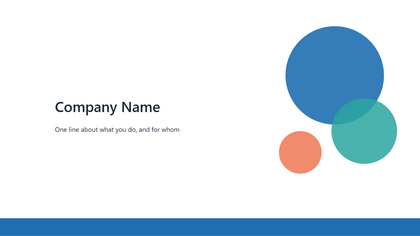
Pitch deck
The story of a business in eight slides: problem, product, market, traction, team and the ask
Download .pptx 21 KB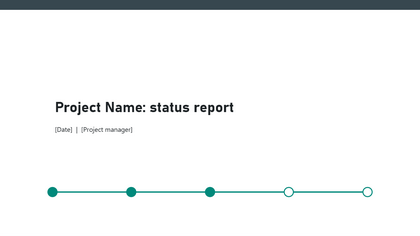
Project status
Where a project stands: progress, milestones, risks and next steps
Download .pptx 20 KB
Training deck
A course session: objectives, the agenda, the lessons, a quick check and a summary
Download .pptx 27 KB
Quarterly review
The results of a quarter: the numbers, revenue by month, what went well, lessons and goals
Download .pptx 19 KB
Lesson
A lesson for a class: goals, a starter, the main idea, key words, a task and an exit ticket
Download .pptx 24 KB
Portfolio
Selected work on a dark theme: about you, three projects with pictures, and what clients say
Download .pptx 106 KB
Presentations comes with Rutba Office
One free download, no account and no trial, and you choose the apps you want.