Documents
Pages as you type, and everything Word puts on them
A word processor on a .docx engine we wrote ourselves. Pages are laid out on screen as you type, with the ribbon Word users know, Home through References, Mailings and Review.
What it does
The page as it prints
The ruler moves indents, tab stops, margins and table columns by hand. Pictures and text boxes float where the file puts them and the words wrap round them, on screen and on paper. A watermark can be words or a picture, and Print starts from the document’s own paper and margins.
Tables and lists
Tables have Table Design and Table Layout tabs, with styles, merged cells, Draw Table, the Eraser and formulas such as =SUM(ABOVE). Home → Multilevel List has the list library, Article and Section numbering included, and Define New Multilevel List makes your own, with levels linked to the heading styles so a Heading 1 reads Chapter I., II.
Long documents
A table of contents, an index, a table of figures, a table of authorities, citations and a bibliography are fields, updated as Word updates them.
Reviewing
Track Changes records formatting as well as words, and Review → Compare marks what changed between two versions of a document.
Letters and labels
Mail merge fills letters, envelopes and labels from a workbook in Worksheets, a list, or Contacts.
Forms and what travels
Forms are made and filled with content controls, a Developer tab and Restrict Editing’s Filling in forms. Redact takes marked words out of a copy, from its headers to its properties, and Inspect Document clears what should not travel.
Right to left
Right-to-left paragraphs work for Arabic, Urdu or Hebrew. Arabic paragraphs can be justified with kashida (Justify Low, Medium and High), printed and saved as PDF with the joins between letters lengthened, and a PDF keeps Arabic, Hebrew, Greek and Cyrillic text.
Viewing pages
As the zoom drops the pages stand side by side, two, three or six across. View, Multiple Pages shows two whole pages, and Side to Side turns them like a book. Ctrl and the mouse wheel zoom the page, here and in Worksheets, Presentations and Mail.
Templates and the rest
Save as Template keeps a document as a .dotx, and Home offers it under Start something; the templates below come with it. WordArt bends along an arch, a circle or one of Office’s thirty-six warps. Building blocks, SmartArt, 3D models, equations, a thesaurus and ink from the Draw tab are there too.
Reads and writes .docx, .odt, .rtf and web pages · saves as .txt or Markdown · opens .doc, Word 6/95, Word 2.0 and Write files in full · exports PDF File formats
The app at work
Pictures from the app itself. Press one to see it larger, or see Documents on the tour.

How-to films, in order
Short films, one task each. Nothing loads from YouTube until you press play.
Plays from YouTube when you press play. Watch on YouTube 4. Page setup, headers, footers and page numbers in Rutba Office Documents
Plays from YouTube when you press play. Watch on YouTube 6. Templates in Rutba Office Documents: start from one and keep your own
The Documents films, in order, on YouTubeHow-to films for the other apps
Templates to start from
They come with the app, under File, New from Template. Each one is here to download as well. The templates for the other apps.
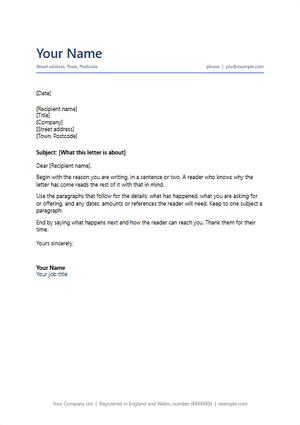
Letter
A business letter: your details, the date, the address, a subject line and a signature block
Download .docx 4 KB
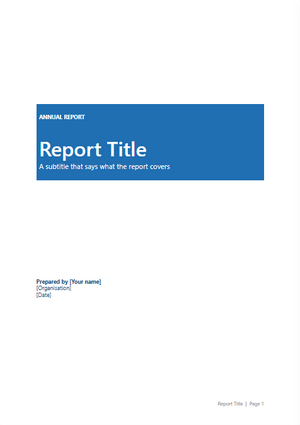
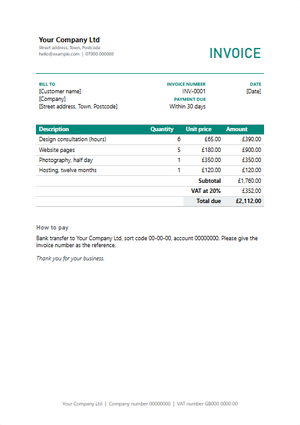
Invoice
An invoice to print or send: who it is from and to, the items, the total and how to pay
Download .docx 5 KB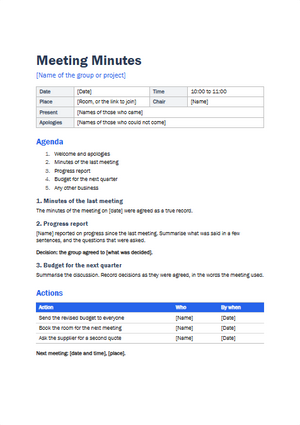
Meeting minutes
Minutes of a meeting: who came, what was discussed and decided, and who does what next
Download .docx 5 KB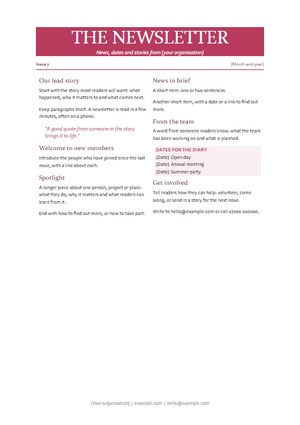
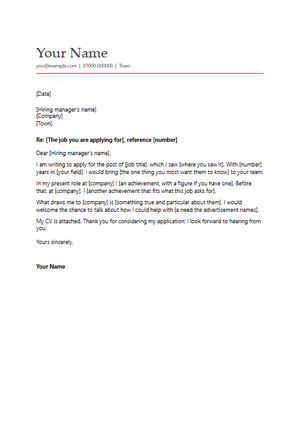
Cover letter
A letter to go with a job application: the role, what you bring and why this company
Download .docx 4 KB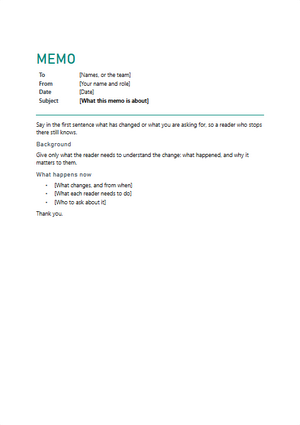
Memo
A short note to a team: to, from, the subject, the background and what happens now
Download .docx 5 KB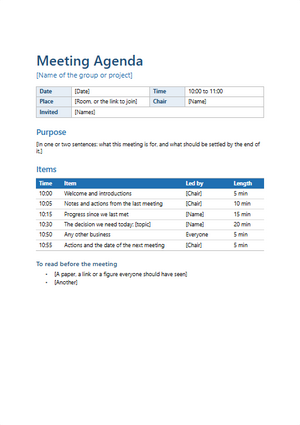
Meeting agenda
What a meeting is for, its items with times and who leads each, and what to read first
Download .docx 5 KB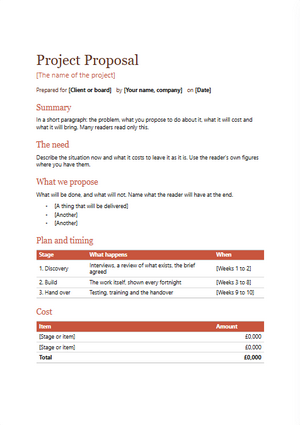
Project proposal
A proposal with a summary, the need, the plan, the cost and the next steps
Download .docx 5 KB
Documents comes with Rutba Office
One free download, no account and no trial, and you choose the apps you want.